
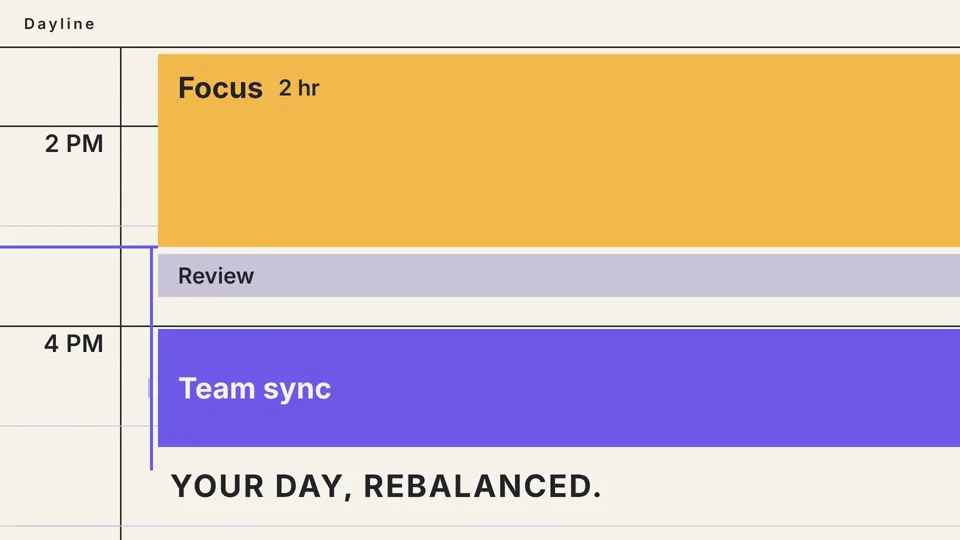
Everything stays editable
Cuts, zooms, captions, graphics, and framing are layers in the project. Nothing is baked into the footage.
One AI editor carries the whole workflow: find the moments worth keeping, shape the cut, add the graphics and captions, and take your follow-up notes on the same edit. Everything it changes stays editable, so the AI gets you to a first cut instead of a dead end.
Start with $3 of free credits — no credit card required.
Each step below is a real result produced for another page on this site — not a mock-up.
Six steps that normally live in four different tools, applied to one edit you keep refining instead of restarting.
Every change the assistant makes lands as a normal layer you can adjust, so the work continues instead of restarting.
Cuts, zooms, captions, graphics, and framing are layers in the project. Nothing is baked into the footage.
Ask for one thing to be different and the rest of the timeline stays where it is.
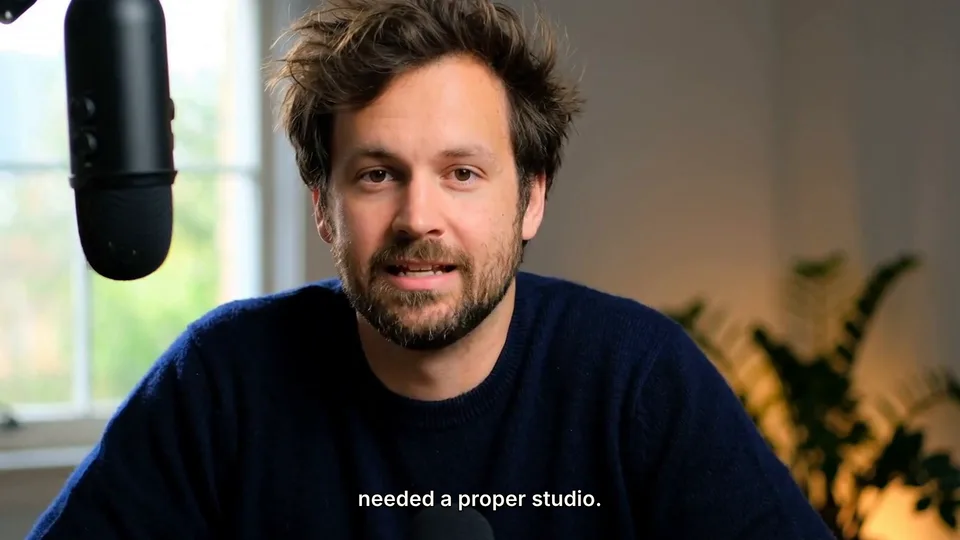
The recording you bring in stays intact. Edits sit on top of it and can be undone.
Each path starts from footage you recorded and ends with a finished video you can still edit.
Long recordings, single takes, multi-camera sessions, and screen or gameplay captures all work as the source for the edit.
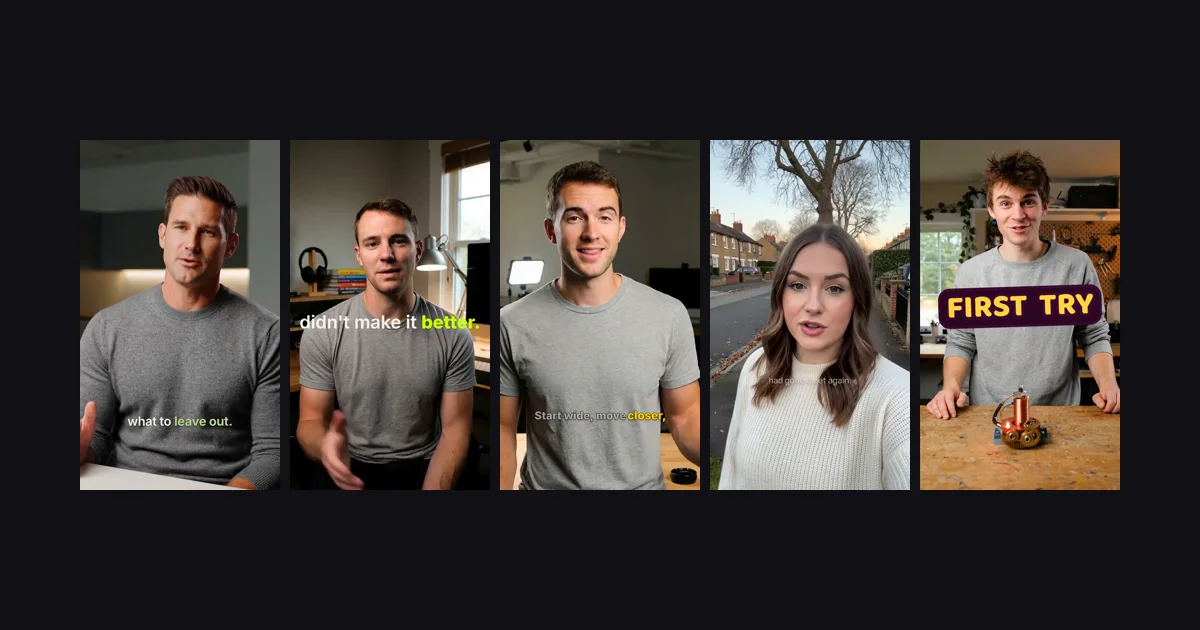
Upload the recording, or bring an existing caption track and keep it editable alongside the edit.
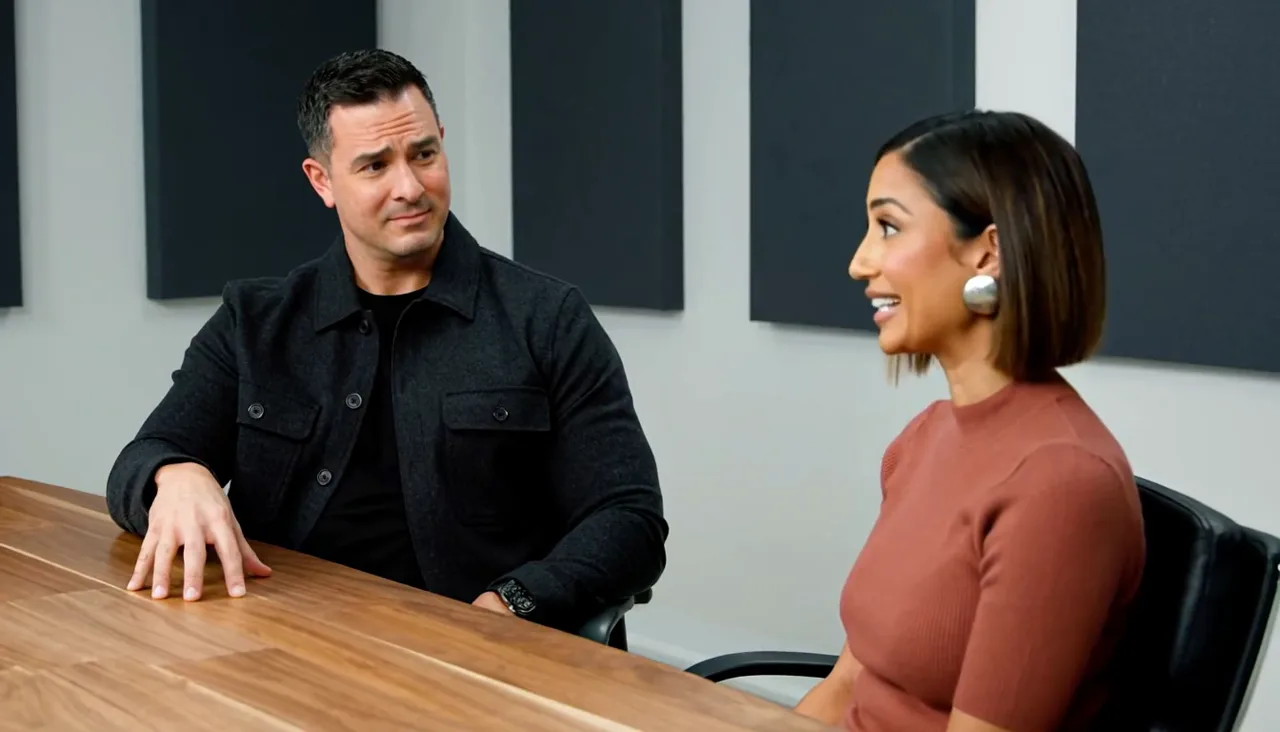
Speaker changes, reaction shots, and takes are handled as part of the same timeline.
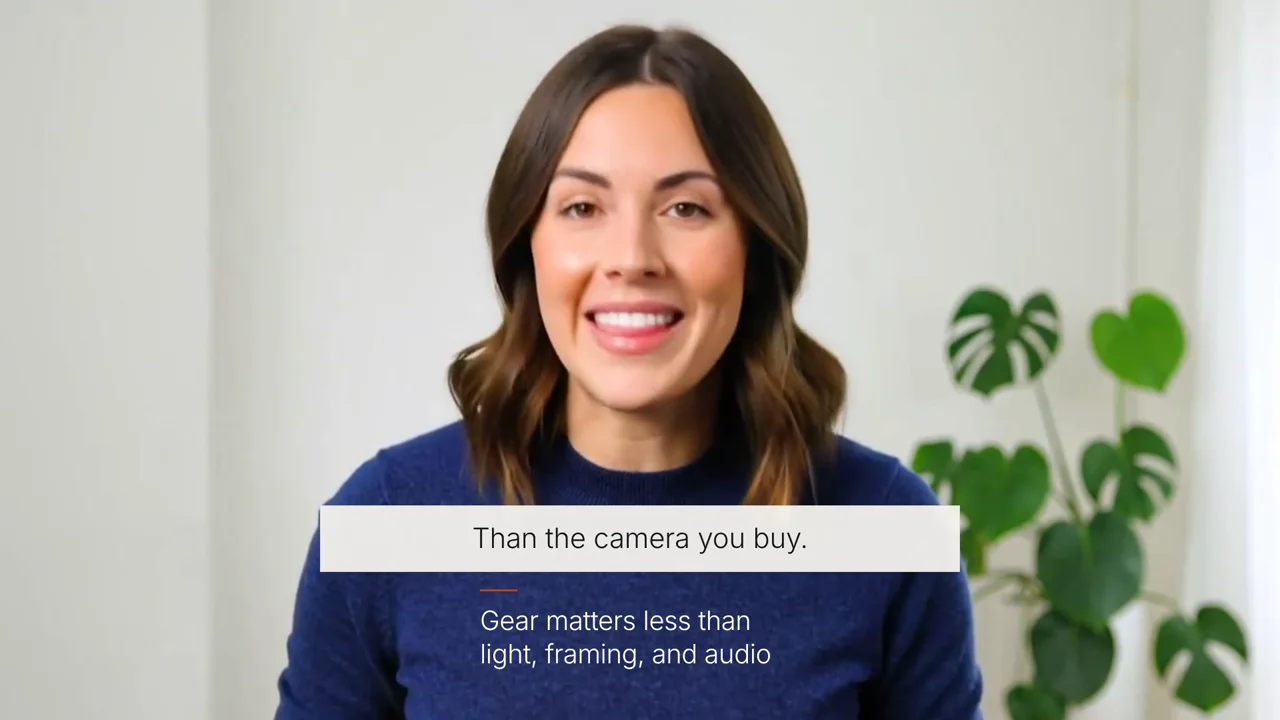
Render the finished video, or move the project on with the layers and captions intact.
Create an account with 30 free credits, then choose a monthly Starter, Pro, or Studio plan with the same tools and a larger credit allowance.
$10per month
100 monthly credits for AI editing, generated media, and rendering. Pro and Studio add bonus credits.
$0for manual editing
Credits are used only when the AI works or a video renders. Timeline edits and preview playback stay free.
Yes. Describe the change and Captionate applies it to the timeline as real cuts, zooms, captions, graphics, or framing you can still adjust.
No. You can describe the result, and the change still appears on the timeline so you can review and adjust it afterwards.
No. Source media stays untouched. Every edit is a layer or a timeline change that can be undone.
Yes. A follow-up request modifies the existing edit, and the work continues on the same timeline instead of starting over.
Long recordings, podcasts, interviews, talking-head takes, gameplay sessions, and tutorials, as long as you can bring the source file.
Captions are generated as a word-timed layer with editable pacing, emphasis, style, and position, then rendered with the rest of the edit.
Start anywhere and keep going on the same edit, instead of moving between tools.
Bring a recording, describe the first change, and keep refining the same edit.