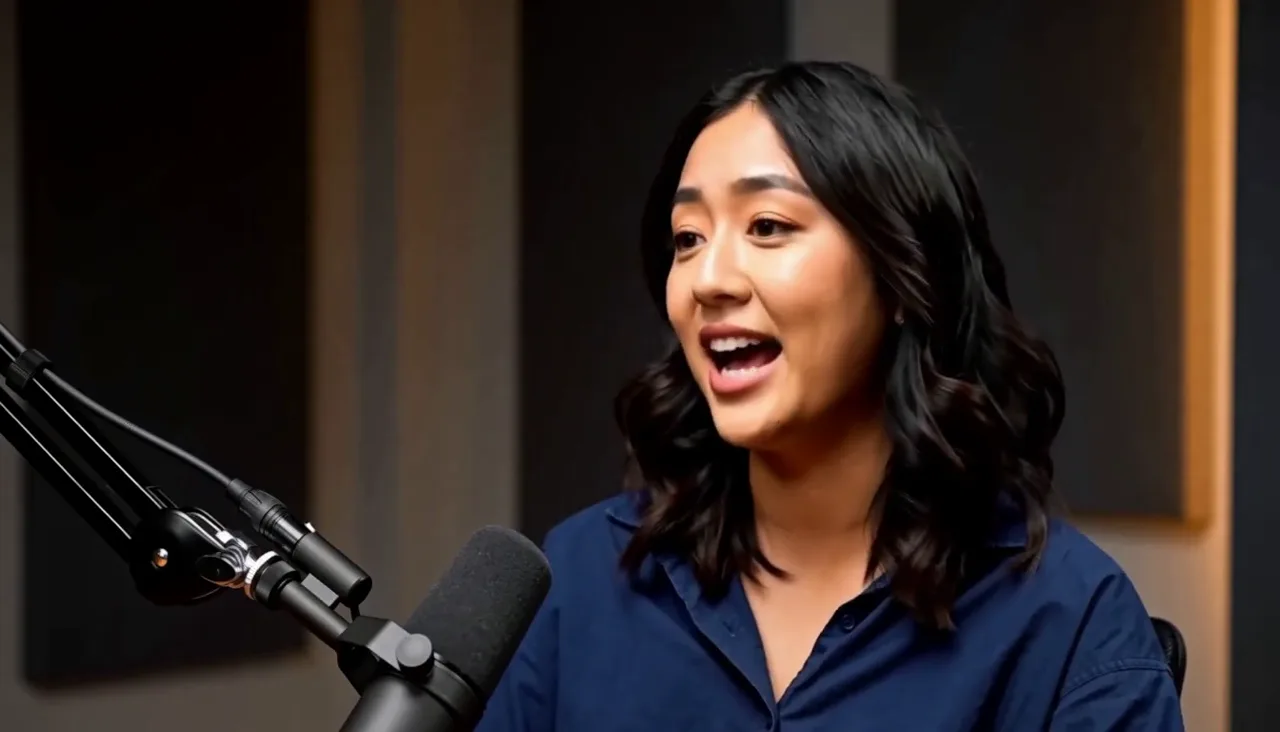
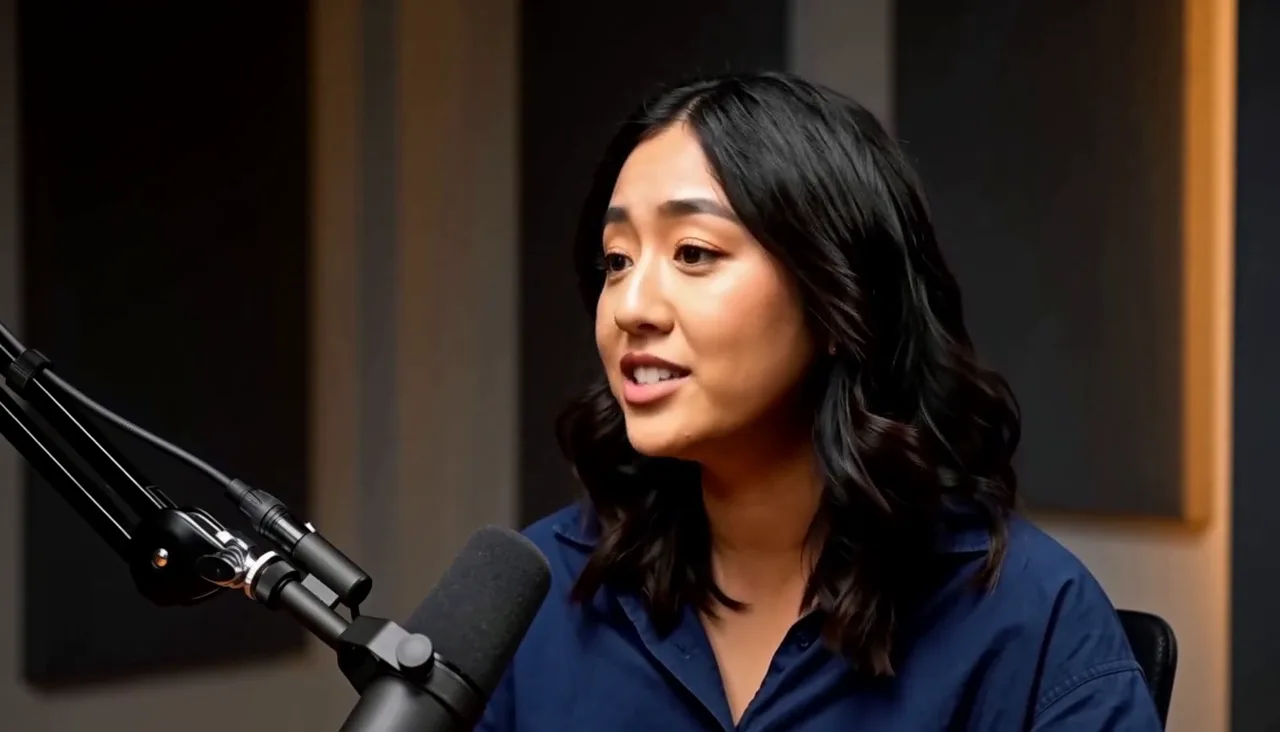
01 / 05
Cut the setup, start on the answer
The host's question leaves the edit and the answer moves to the front, without you scrubbing the timeline.
Removed host question 3.2s
AI Chat Video Editor
Describe the edit in a sentence, then refine it with a follow-up. Every request becomes a cut, zoom, caption, or graphic layer you can still adjust.
What a request changes
The host's question leaves the edit and the answer moves to the front, without you scrubbing the timeline.
Removed host question 3.2s
Ask for the closer look and a zoom layer appears on that moment, still adjustable keyframe by keyframe.
Scale 100% → 155%
Anchor the guest's face
The callout arrives as a graphic layer you can move, retime, rewrite, or delete.
Editable copy · position · start · duration
The ending hold is cut from the same edit. Block order and audio stay exactly where they were.
Unchanged block order · block count · audio
The callout lands on the last word. One follow-up moves it to the start of the contrast, and nothing else in the edit moves with it.
Add a callout for the closing contrast.
Move the callout back to the start of that line.
Source to result
Request types
The section leaves the timeline and the clips behind it close the gap.
A zoom layer and its keyframes are added at the moment you name.
A graphic layer appears over the footage and stays editable.
Only the spacing changes. Nothing is cut, reordered, or re-rendered from scratch.
Chat editing workflow
AI chat video editing starts from a request rather than a menu. Write what should be different — the wrong take, the pause, the moment that needs a closer look, the pacing of the opening. You do not need to select a clip or place a keyframe first.
Ask for wrong takes, filler, dead air, and silent gaps to be removed, and for the remaining clips to be joined cleanly. The result is a shorter edit you can still inspect clip by clip.
Requests are not limited to cuts. Ask for a closer look at a setting, a highlight on the part that matters, or a callout that explains what changed, and each arrives as its own editable layer.
A follow-up sentence modifies what is already there. If the callout appears too early, move it. Cuts, captions, and audio stay untouched unless the request asks for them.
Text-based editing removes or keeps footage by rewriting a transcript, so the result is limited to what was said. Captionate applies described changes to the timeline and its layers, so the same request can cover cuts, zooms, captions, graphics, and pacing.
Your source media is never overwritten. Every request lands as a timeline or layer change that you can review, adjust, reorder, or undo after the fact, including the ones the assistant made for you.
How it works
Upload the recording you want to work on. Nothing is cut or overwritten on the original file.
Write the change in plain language: what to remove, where to look closer, what to add, or how the pacing should feel.
See which clips, layers, and timings actually changed before you judge the result.
Ask for the one thing that still feels wrong. The rest of the edit stays where it is.
Render the finished edit, or keep working on it. Every layer remains adjustable.
FAQ
Yes. You describe the change you want in a sentence, and Captionate applies it to the open edit as a real timeline change rather than a chat answer.
Requests can remove sections, tighten the pacing, add a zoom, add captions, and add or move graphic layers such as callouts.
No. You can describe the result you want. The change still appears on the timeline, so you can inspect and adjust it after the fact.
Yes. A follow-up request modifies the existing result. Cuts, captions, and audio stay in place unless the request asks for them to change.
No. Text-based editing works by rewriting a transcript. Captionate applies described changes to the timeline and layers, so requests can cover cuts, zooms, captions, and graphics rather than only text.
No. The source media stays untouched. Edits are applied as layers and timeline changes that you can review, adjust, or undo.
When a target or intended result is genuinely ambiguous, the assistant asks one short clarifying question before changing the edit.
Yes. You can ask for wrong takes, pauses, filler, and dead air to be removed, and for the remaining clips to be joined without the gap.
Describe the edit, check the layers it changed, then fix the one part that still feels wrong.