01 / 05
Start on the answer
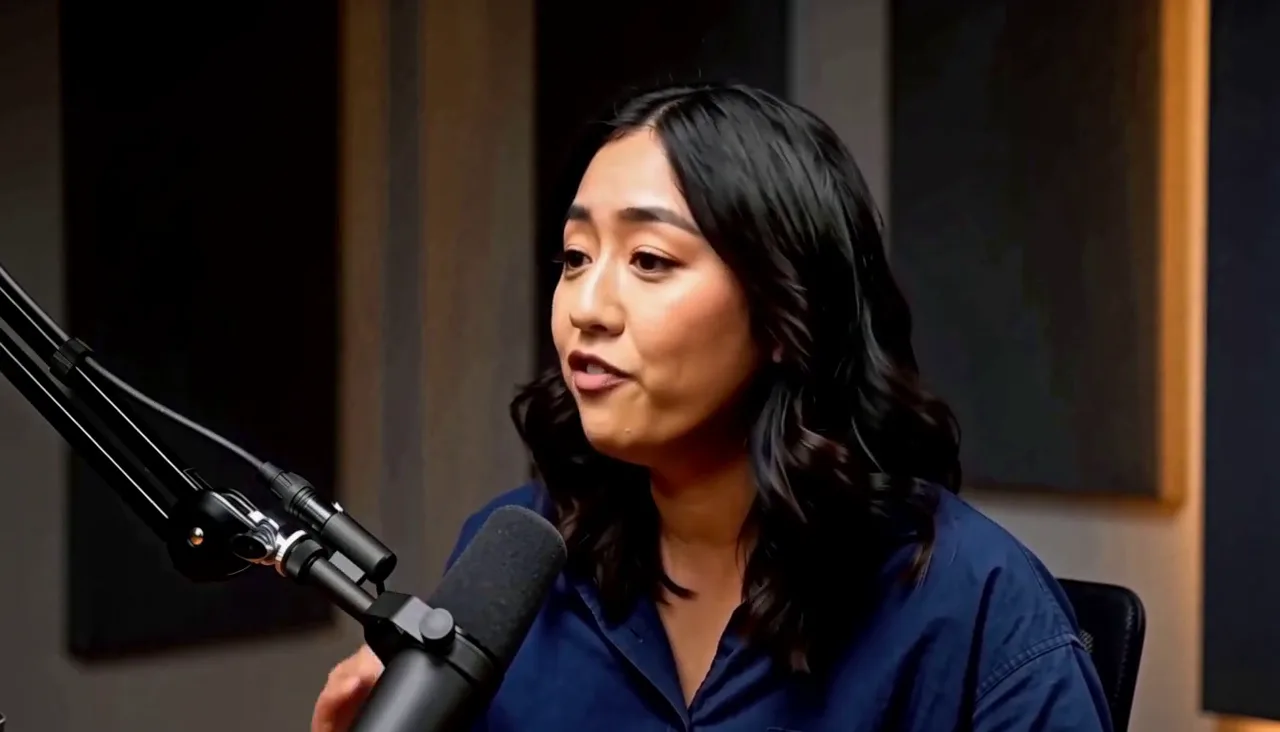
The question sets up the clip but does not belong in it. Dropping the setup takes the answer from fifteen seconds to eleven and a half.
Measured camera cut at 3.58s · question 0–3.58s removed
AI Interview Video Editor
Start on the answer, cut the filler around it, keep the pause before the reveal, and caption the line worth clipping.
What a request changes
The question sets up the clip but does not belong in it. Dropping the setup takes the answer from fifteen seconds to eleven and a half.
Measured camera cut at 3.58s · question 0–3.58s removed
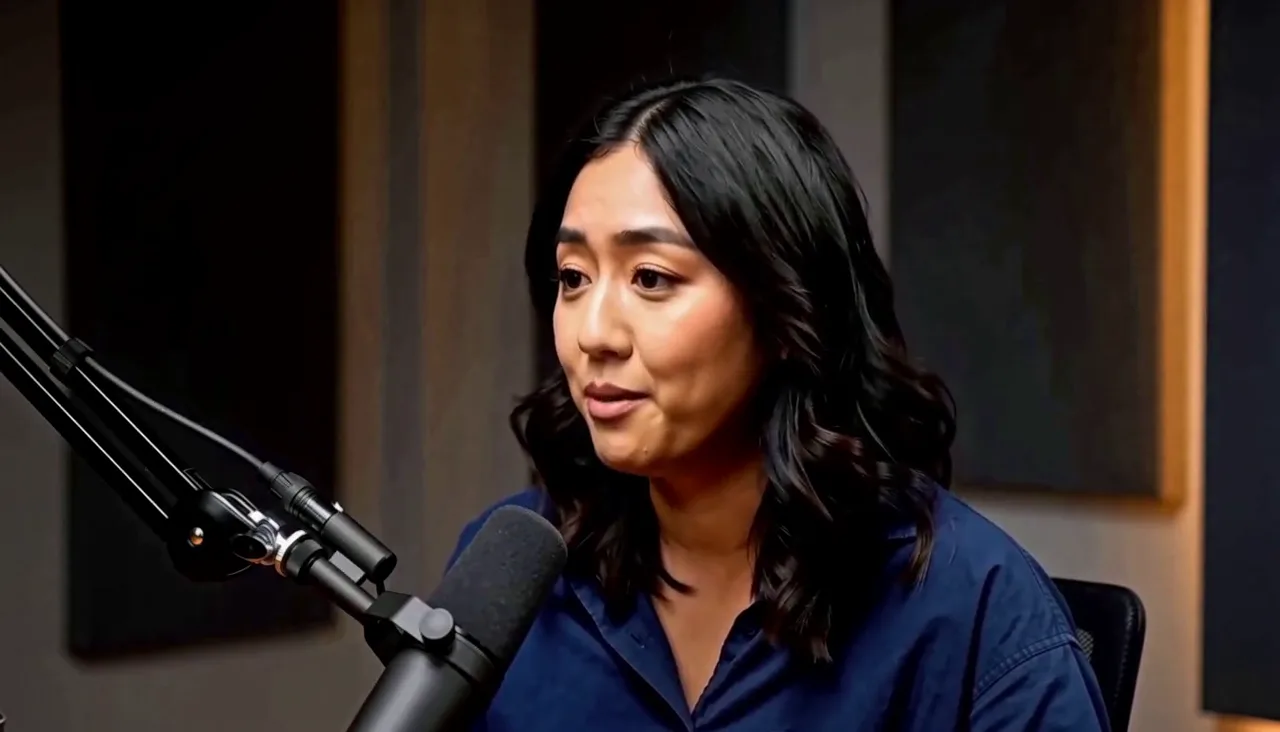
A half second of hesitation after “ten people” slows the setup down. Removing it tightens the answer without changing a single word.
Measured hesitation 5.596–6.125s · 0.53s
Just before “All fifty seats were gone” there is over a second of quiet. That is not filler. It is the beat the answer runs on.
Measured 8.401–9.578s
Kept as a constraint
One line on the sentence the clip exists for, editable afterwards. Nothing over the setup, nothing over the answer.
Editable copy · position · start · duration
If a pass tightens the answer so hard that the reveal lands flat, one follow-up restores the pause and leaves the cuts alone.
Cut every pause so the answer moves faster.
Put the beat before “All fifty seats” back.
Source to result
Interview decisions
The question is scaffolding; the clip begins with the reply.
Half a second of filler goes; the sentence does not change.
The quiet before the payoff is the beat the answer runs on.
One line on the sentence the clip exists for.
Interview workflow
An interview question sets up the moment but rarely belongs in the cut. Dropping the setup is usually the single biggest change you can make to an answer clip.
Hesitations, false starts, and repeated phrases can be tightened in a sentence. The spoken words stay in order, and nothing is paraphrased or replaced.
A quiet beat before a reveal is part of the delivery. It can be held as a constraint, so tightening never removes the moment the answer depends on.
One captioned sentence is often enough for an answer clip. The text, timing, position, and style stay editable after the request.
If the first pass removes a beat and the answer starts to feel clipped, ask for it back. The pause returns and the rest of the edit stays put.
Captionate edits footage you already have. The shoot does not change, and the original recording is never overwritten.
How it works
Upload the footage. The original file is not cut or overwritten.
Say what to drop, where to tighten, and which line to caption.
See the question that left, the filler that went, and the beat that stayed.
Ask for a pause back if the answer starts to feel clipped.
Render the finished answer, or keep editing. Every cut stays adjustable.
FAQ
Yes. Describe the edit in a sentence and Captionate applies it to the interview as real cuts and captions you can still adjust.
A podcast edit works on the rhythm and the camera changes of a conversation. An interview edit works on one answer: compressing it and keeping the quote that matters.
No. Only the gaps you ask to remove are cut, and the spoken answer stays in order. Nothing is reworded or reordered.
Yes. A pause before a reveal can be held as a constraint, so the tightening never lands on the beat that makes the answer work.
Yes. Captions can cover the whole answer or one sentence, and the text, timing, and style stay editable afterwards.
Yes. Captionate edits the interview files you already have, and the original recording is never overwritten.
Drop the setup, tighten the filler, and keep the beat that makes the line land.