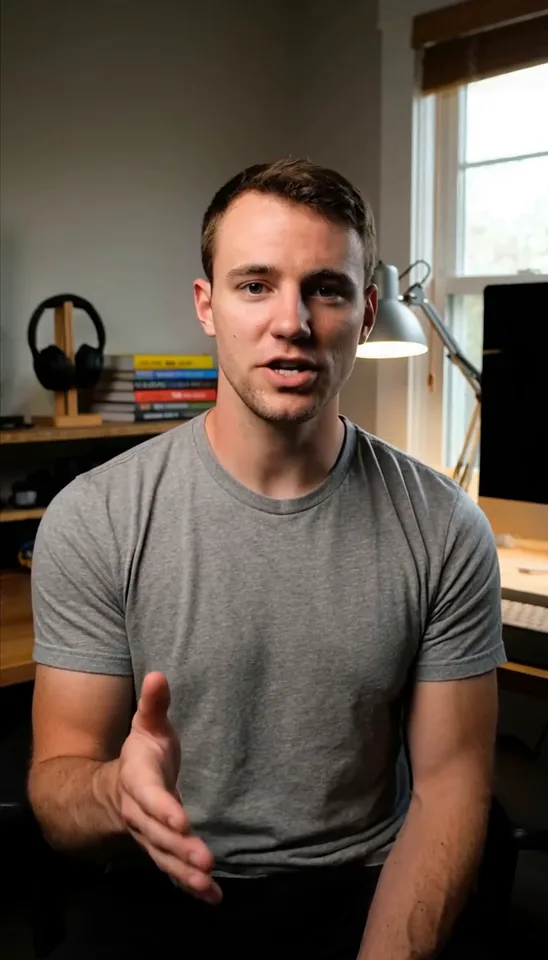
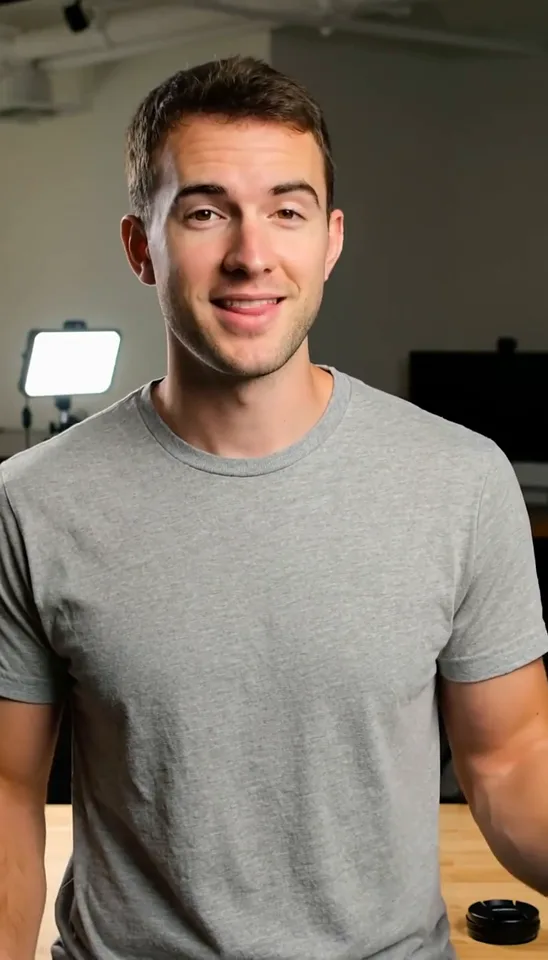
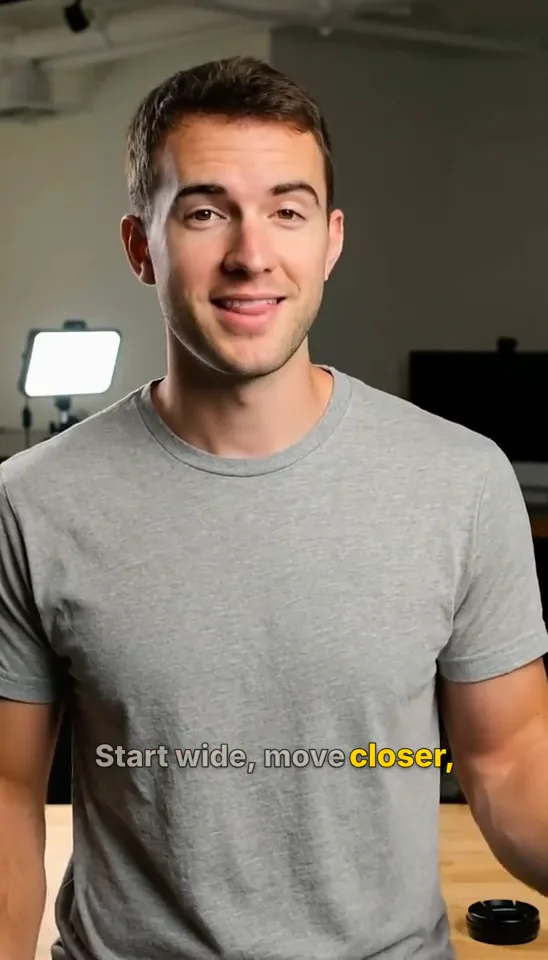
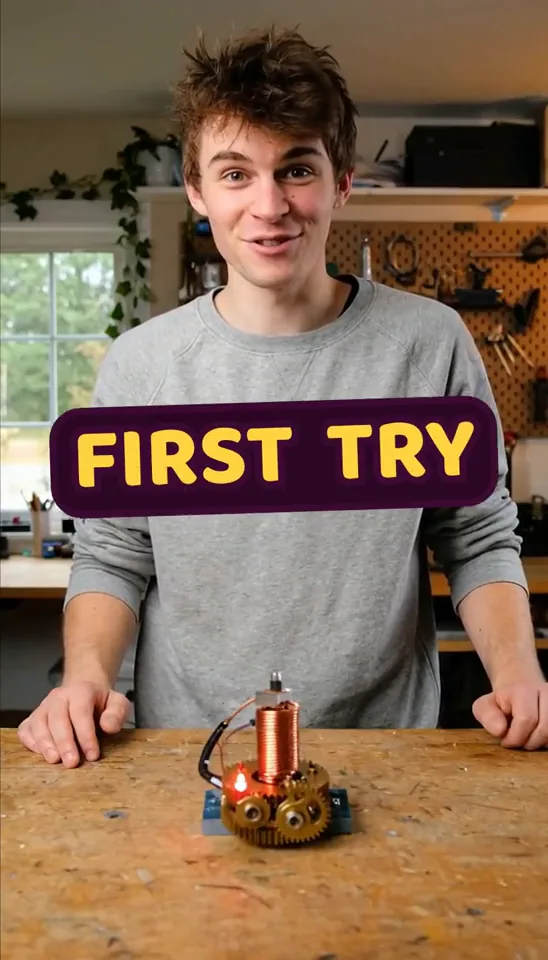
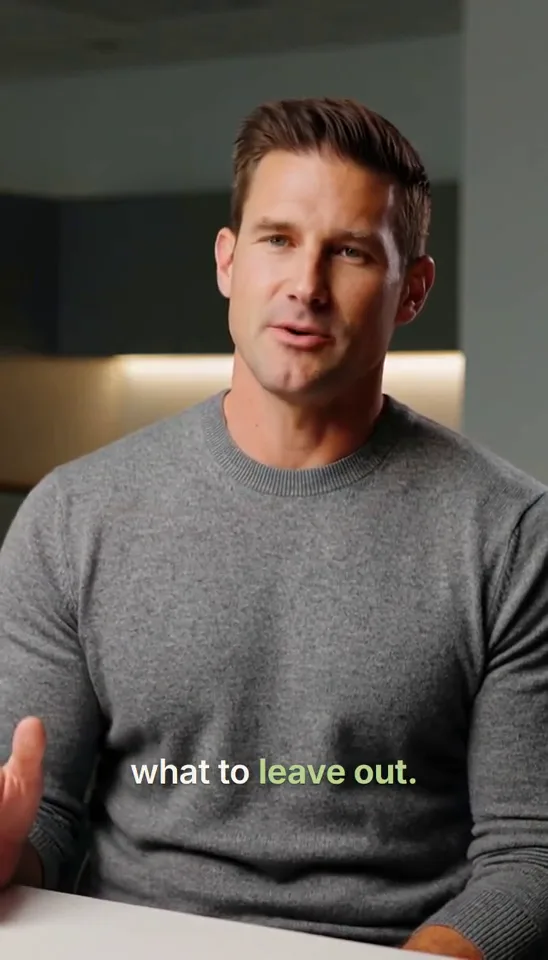
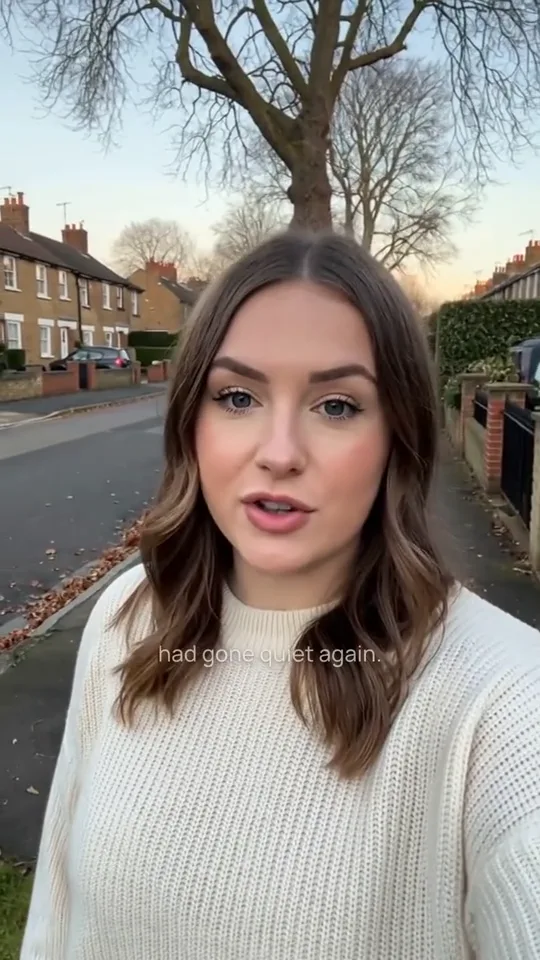
Same moment, different motion
Keep the source and timing fixed. Change only how the caption groups, highlights, and lands.
more features didn't make it better.
make it better
Animated Caption Generator
Turn speech into word-timed captions, choose a motion style, and keep the text, pacing, emphasis, and color editable.
The hardest part was knowing what to leave out.
HERE'S THEMISTAKEMORE FEATURES
DIDN'T MAKE IT BETTER
Start wide, move closer,
then cut on the action.
By sunrise, the whole street
had gone quiet again.
AND SOMEHOWFIRST TRY
What changes
Timing, pacing, motion
See how the same timed words become readable phrases, active-word highlights, restrained motion, or a stronger emphasis beat.
Keep the source and timing fixed. Change only how the caption groups, highlights, and lands.
Move the playhead. The active word follows measured speech instead of dividing the sentence into equal intervals.
mistake:Current word from the audio timing
Change the viewing rhythm without splitting or rewriting the saved caption.
Start wide, move closer,
then cut on the action.
The same word range can fade, land, highlight, or snap. Its spoken start and end do not move.
Keep the established style and timing while changing one phrase's color and emphasis.
Add animated captions with clear word emphasis.
Highlight “more features” in violet and make “better” land harder.
MORE FEATURESBETTER
Source to result
Caption behavior
Keep the phrase visible while the active word moves with the voice.
Reserve the strongest movement for the point that deserves it.
Show a sentence as readable phrases or short creator-style beats.
Position captions for vertical, square, or landscape exports.
Animated caption workflow
Word-level timing lets the active highlight move with actual speech instead of guessing an equal duration for every word. Keep a readable phrase on screen while color, weight, or a restrained movement marks the current word.
Use sentence cues for slower material, standard phrases for general video, short groups for creator clips, or one word at a time for a deliberate effect. The saved transcript remains intact when the display pacing changes.
Start from a caption style, then change the typeface, scale, outline, shadow, color, placement, and highlighted words. Motion and visual styling remain choices rather than a locked template.
Generate captions from video or audio, or begin with an existing SRT or WebVTT file. Imported cue-level timing can be aligned with speech when an effect needs the timing of individual words.
Preview captions against the video, refine the text and timing, and render the style into an MP4. The animation shown in the editor should land on the same spoken moments in the finished video.
How it works
Upload media to generate captions, or import an existing SRT or WebVTT file.
Decide whether captions appear as sentences, readable phrases, short groups, or individual words.
Choose a restrained, bold, karaoke, minimal, or pop treatment that fits the content.
Edit any word, cue, highlight, color, position, or motion choice before rendering.
Export an MP4 with the animated caption appearance and timing included.
FAQ
Animated captions are timed text layers that use movement, emphasis, or active-word highlighting to follow the rhythm and meaning of spoken audio.
Yes. Captionate can generate timed captions from speech, apply a motion style, and keep the resulting text, timing, pacing, and emphasis editable.
Word-by-word or karaoke captions keep a phrase visible while highlighting the current spoken word using its individual timing.
Yes. Caption pacing can range from sentence-length cues to standard phrases, short two- or three-word groups, or one word at a time without changing the saved transcript.
You can import SRT or WebVTT captions and style them. Effects that follow individual words may require aligning those words to the video's speech when the imported file contains only cue-level timing.
Yes. Caption styles can be positioned for vertical, square, and landscape video while keeping text inside practical viewing and platform-safe areas.
Yes. Captionate can render the styled captions into a captioned MP4 so the timing, emphasis, and appearance remain visible wherever the video is played.
Animated captions visualize the words being spoken. Motion graphics explain the idea behind those words using elements such as diagrams, charts, callouts, and animated layouts.
Generate the timing, choose the pace, and refine the emphasis before you export.